Ballistic Solver
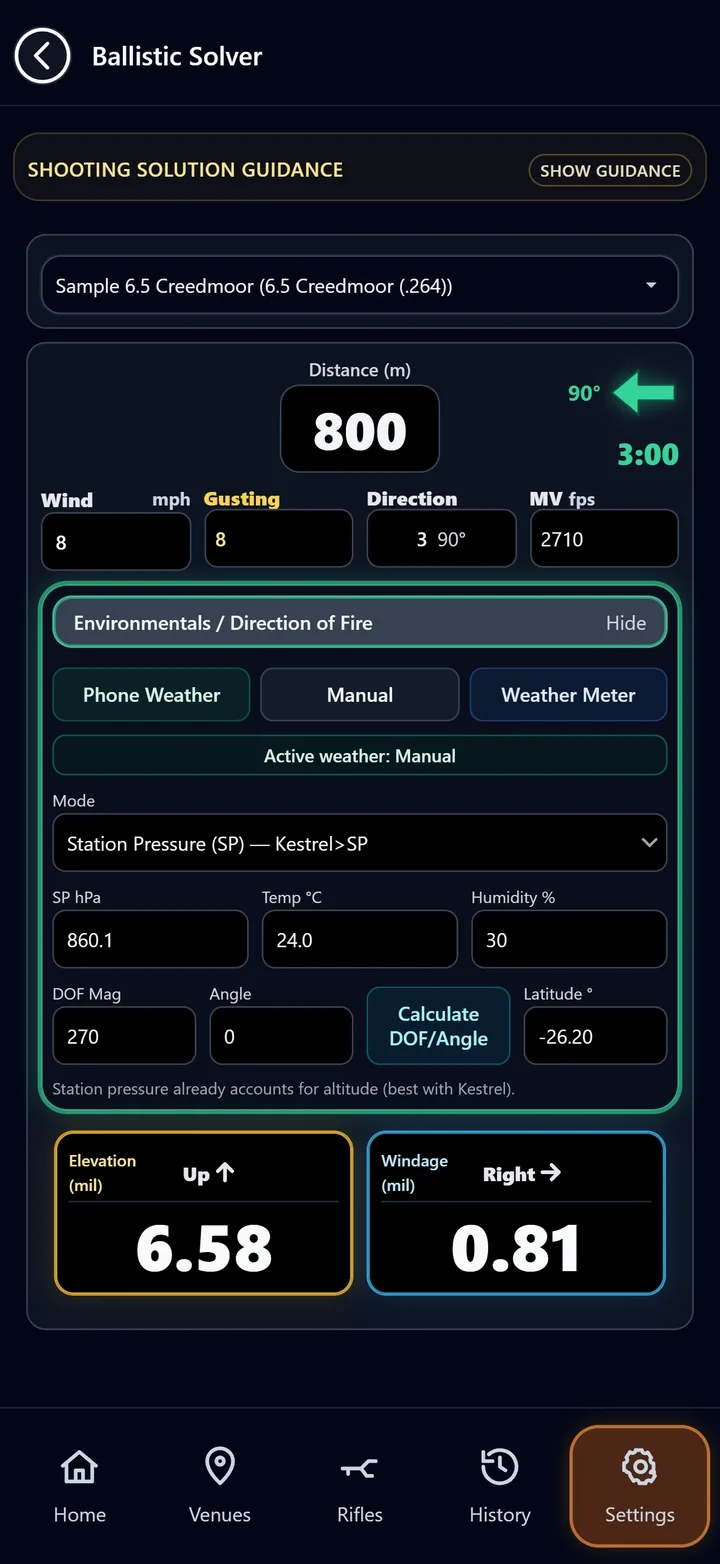
Generate firing solutions from rifle, ammunition, range, angle and environmental inputs, then open Analyze Ballistics for a full downrange Velocity / Flight Profile through the transonic transition.
Advanced ballistic calculations, environmental integration, load development and field-ready shooting tools in one focused suite — on Android and iPhone.
Now on Android and iPhone — Google Play and the App Store. Free to install with a full 14-day trial, then a permanently free capped tier — no forced expiry. See pricing →
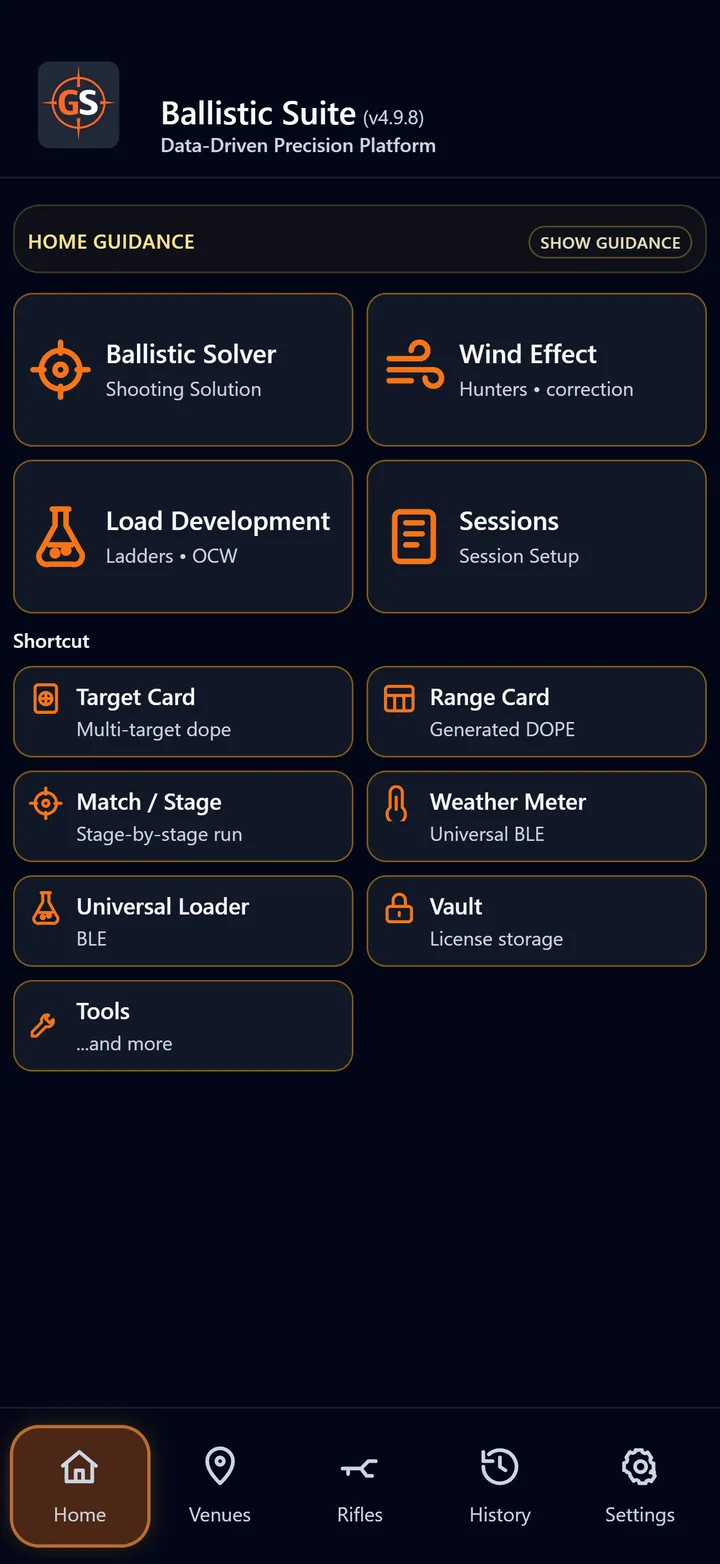
Build profiles, capture conditions, calculate solutions, manage targets and retain shooting records without stitching together multiple tools.
Generate firing solutions from rifle, ammunition, range, angle and environmental inputs, then open Analyze Ballistics for a full downrange Velocity / Flight Profile through the transonic transition.
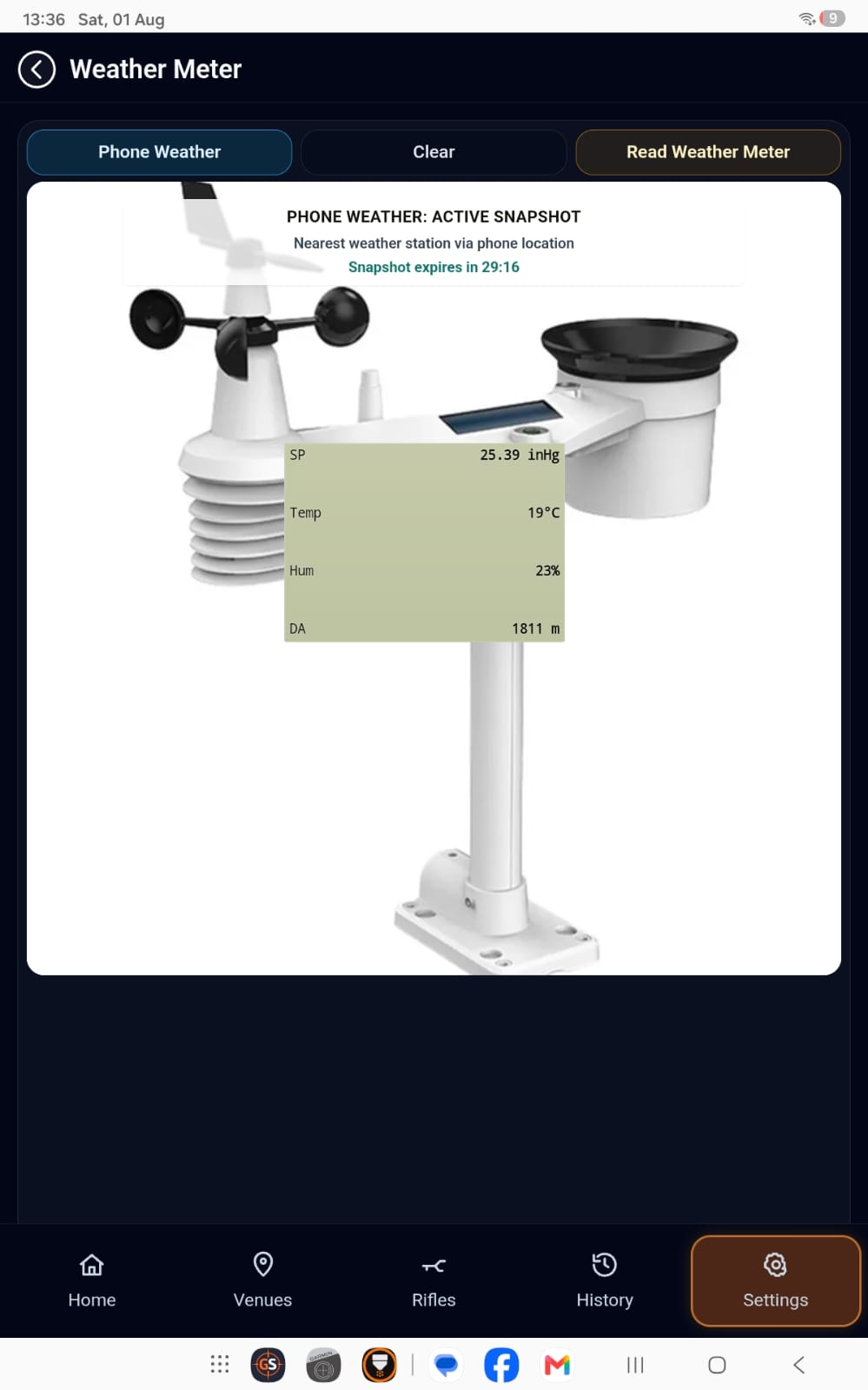
Use phone weather or compatible Bluetooth weather meters with controlled snapshots.
Plan OCW and Ladder testing, capture chronograph data, notes and impact locations, with group shapes on the photo and a group target you set.
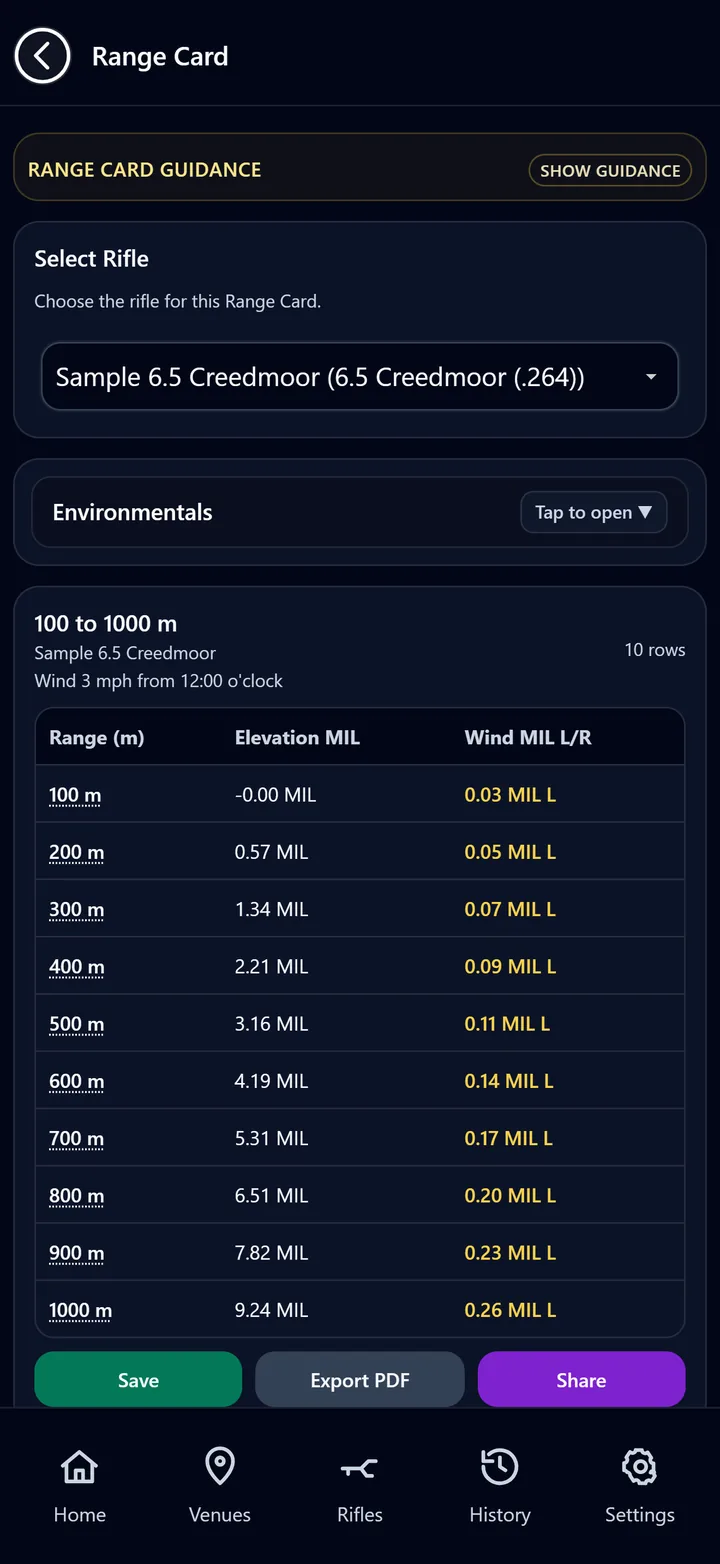
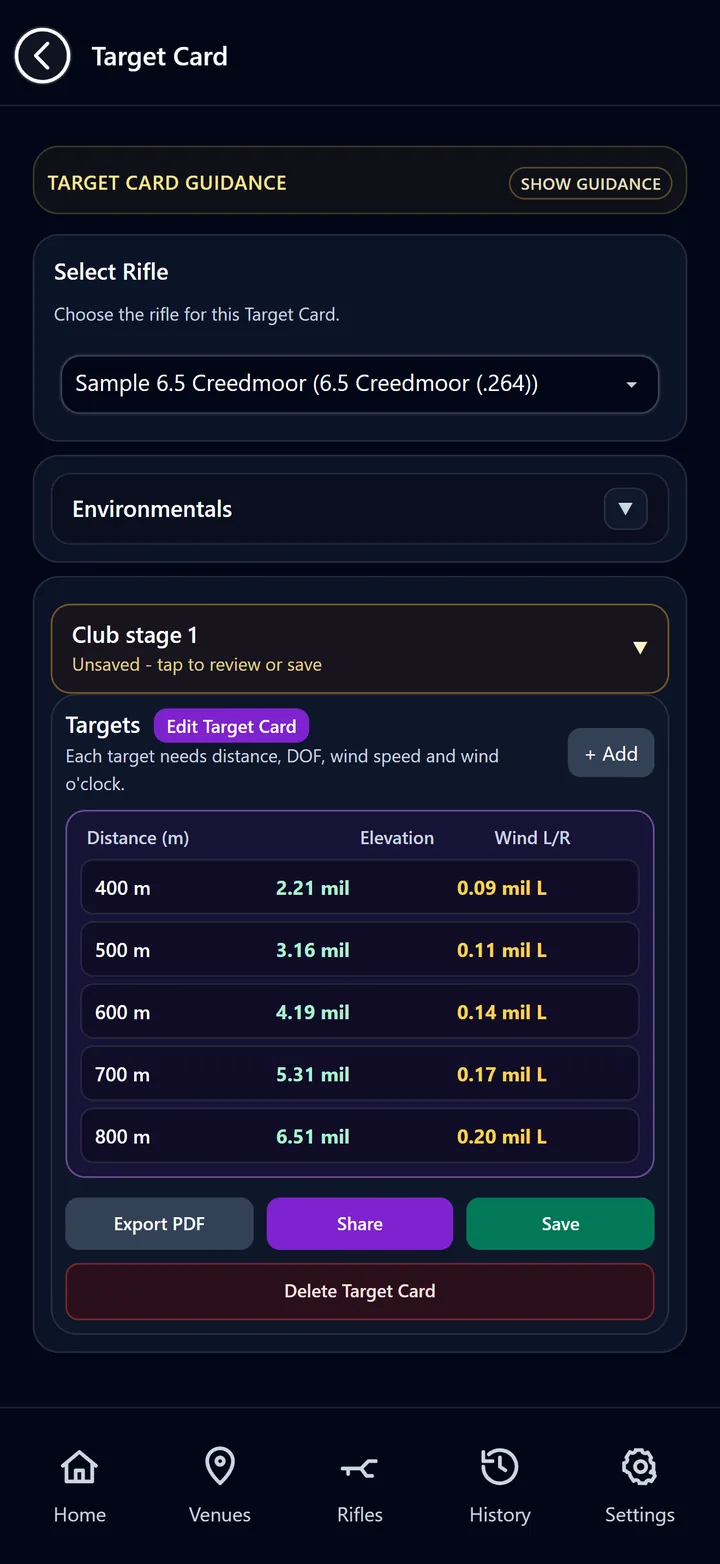
Prepare reusable, field-ready firing solutions for targets and distance bands.
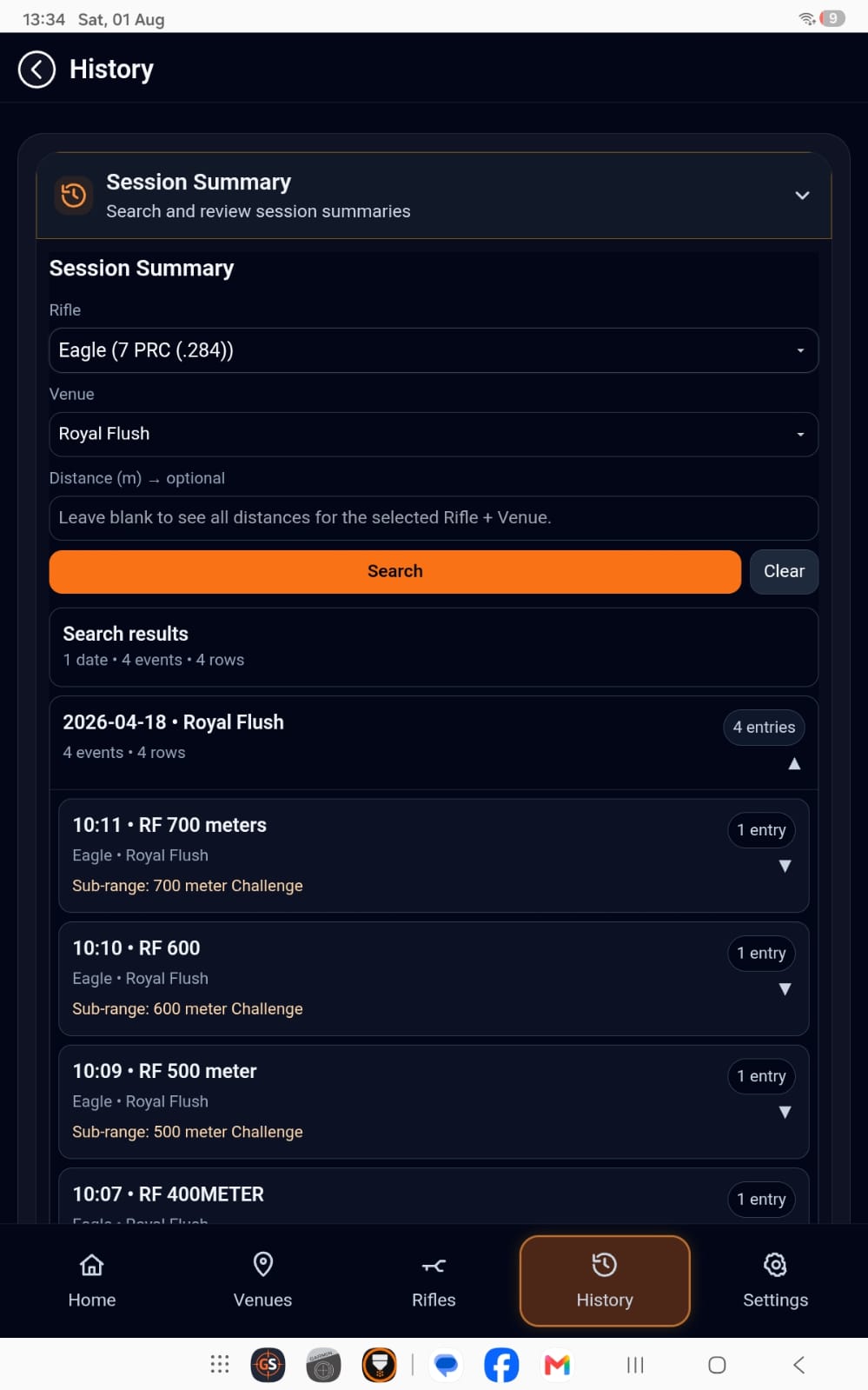
Record equipment, conditions, notes and outcomes in a structured history.
Export user-controlled backups for safekeeping and supported-device transfer.
Understand directional wind effects and compare practical wind scenarios.
Scan it with the phone or take it from a Kestrel pointed at the target — a magnetic DOF, with the declination added for Coriolis.
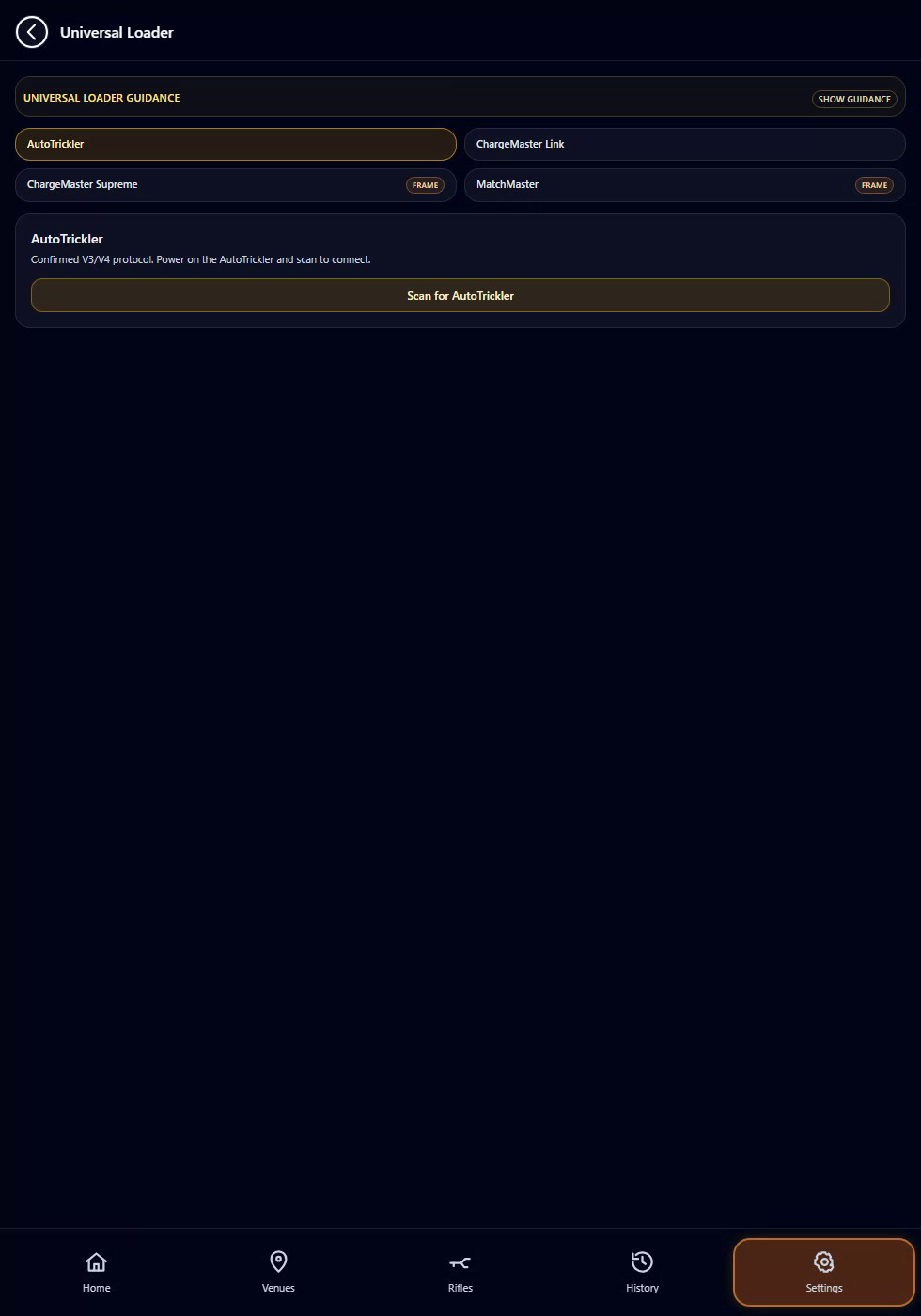
Control a compatible BLE powder dispenser — AutoTrickler or RCBS ChargeMaster Link — directly from Tools.
Dedicated rimfire caliber picker, a factory-ammo quick-pick catalog, and solver defaults tuned for .22 LR, .22 WMR, .17 HMR and more.
Entirely free — a third rifle platform alongside centerfire and rimfire — bore-size picker, pellet/slug working loads, a 306-entry projectile catalog, and conservative physics that never borrows the centerfire stability model.
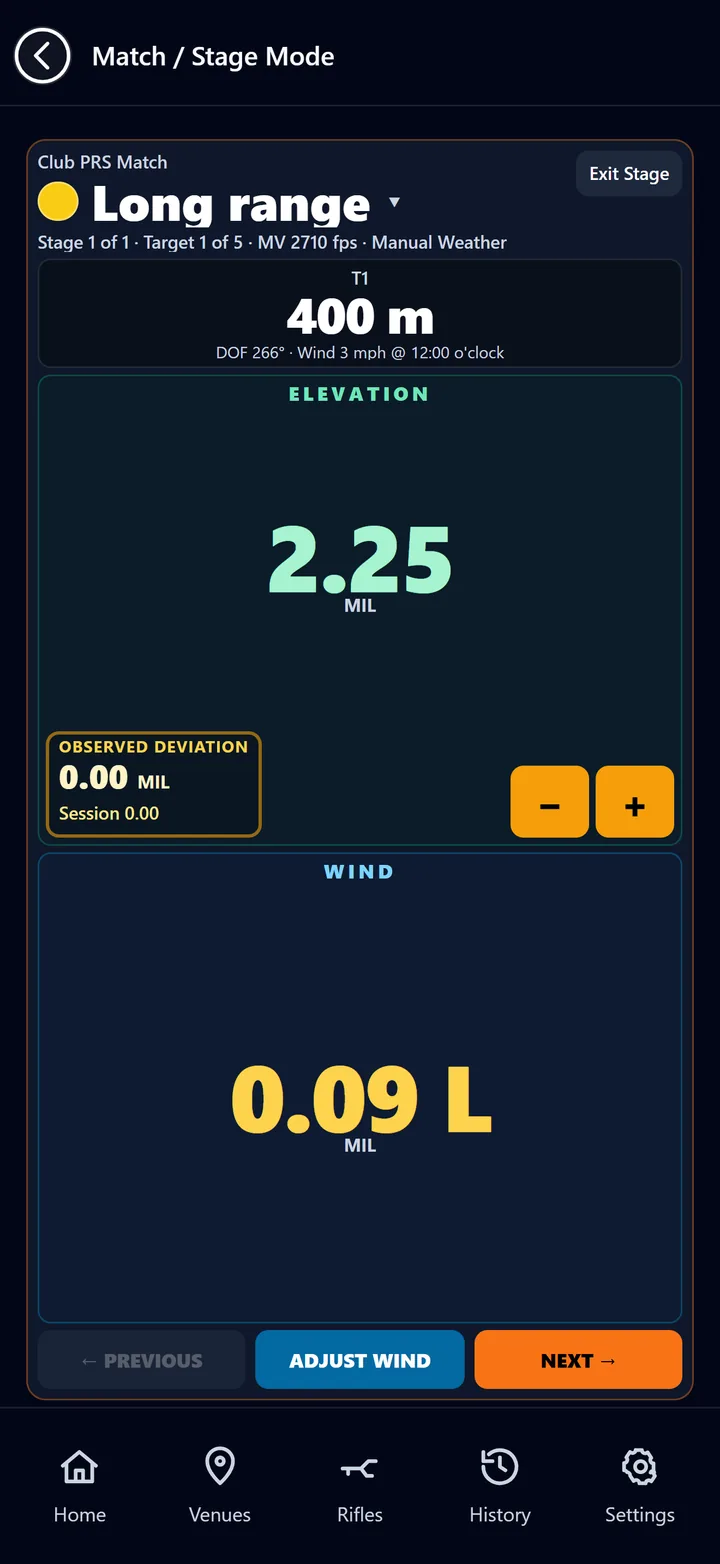
Build a Match from Stages and Targets, shoot the stages in any order one-handed, correct with Observed Deviation, Adjust Wind and a measured MV, let an ELR Diagnostic after a stage correct the holds still to shoot, and log the finished Match as a Session at its venue.
How likely your first shot is to hit your target — 10,000 simulated first-round shots with your wind, range and group errors, what's costing you hits, and every saved rifle ranked by hit % for the same shot.
Enter real observed DOPE at 2–6 distances and find out why long-range impacts diverge from the predicted trajectory — it fits Zero Offset, Muzzle Velocity, Global BC/Drag and Velocity-Banded BC, ranked by RMSE across every shot, then shows how to prove the cause and fix it for good.
Check whether a rifle's scope and rail/base can mechanically dial a target distance, and if not, get a ranked GET ME THERE plan — rail size, mount, minimum scope travel to shop for, or an external elevation device — instead of just a shortfall.
Work out a real drag parameter from your own chronograph readings instead of trusting a published number — rifle-driven with an automatic G1/G7/RA4 drag model; one reading gives a single effective result, several give independently solved segments per velocity window.
Training simulations under Tools: Play the Wind and Play the Mirage (ELR steel to 2,000 m) use your own rifle, load and the Solver's windage, Mirage Master adds live switching layers, Fullbore Target Simulation shoots 10-shot F-Class sessions out to 900 m, scored V to 1, Develop a Load practises Ladder → OCW → seating — with Top 10s you can share between phones.
For rimfire and PCP: compare up to 4 factory ammo, pellets, slugs or lots by velocity, SD and group — chronograph file import, ranked as an OCW, with a full PDF report.
Live wind from a Calypso meter under Tools: wind dial, 5-minute average and gust, crosswind, history chart, alarm and CSV recording.
Switching from Strelok or Applied Ballistics/Kestrel? AB/Kestrel data imports as new rifles; Strelok's loads attach onto your existing rifles instead, since its own rifle-level fields have proven unreliable.
Every screen, the Solver, the Bluetooth meters and the training simulations are built once and run on both phones. These are current v4.9.8 screens from the iPhone app — scroll the strip to see them all.
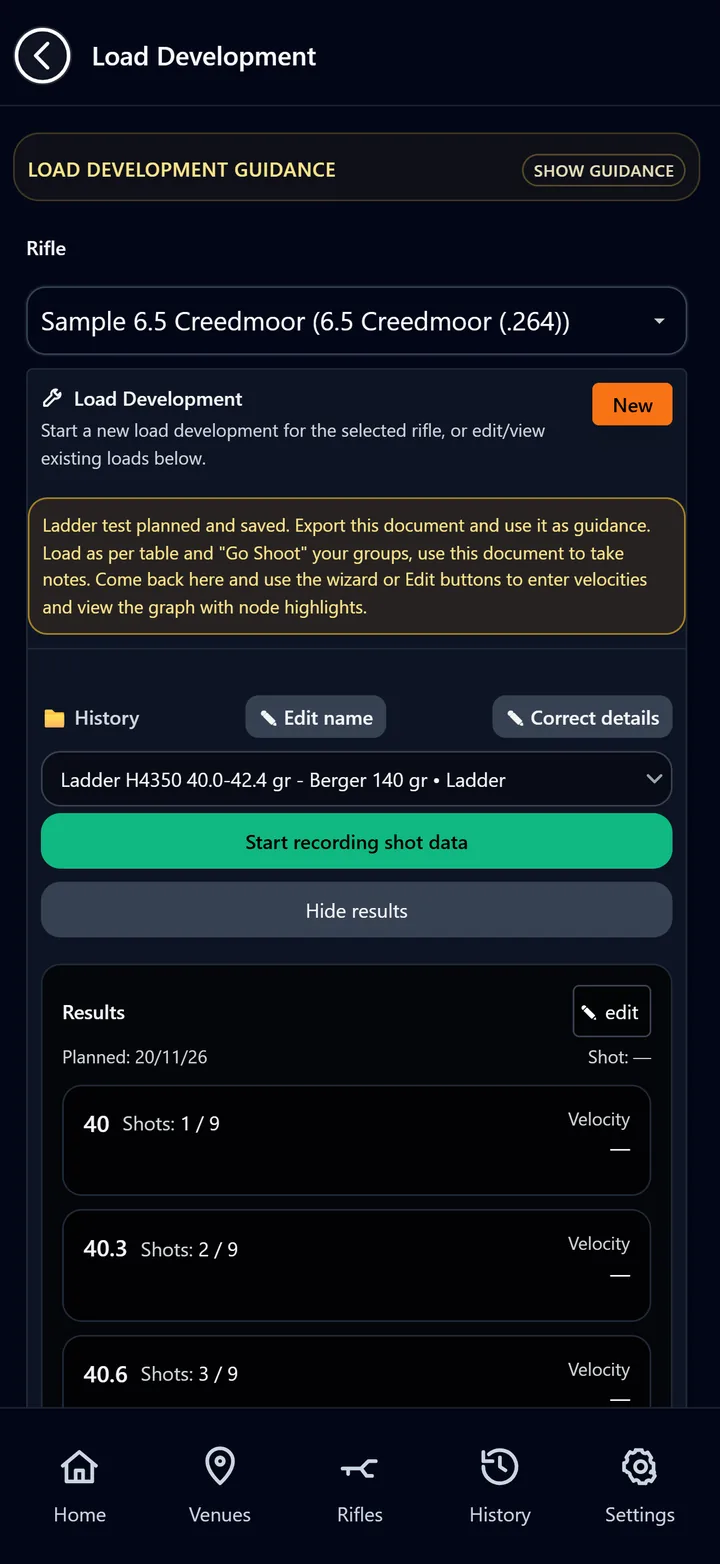
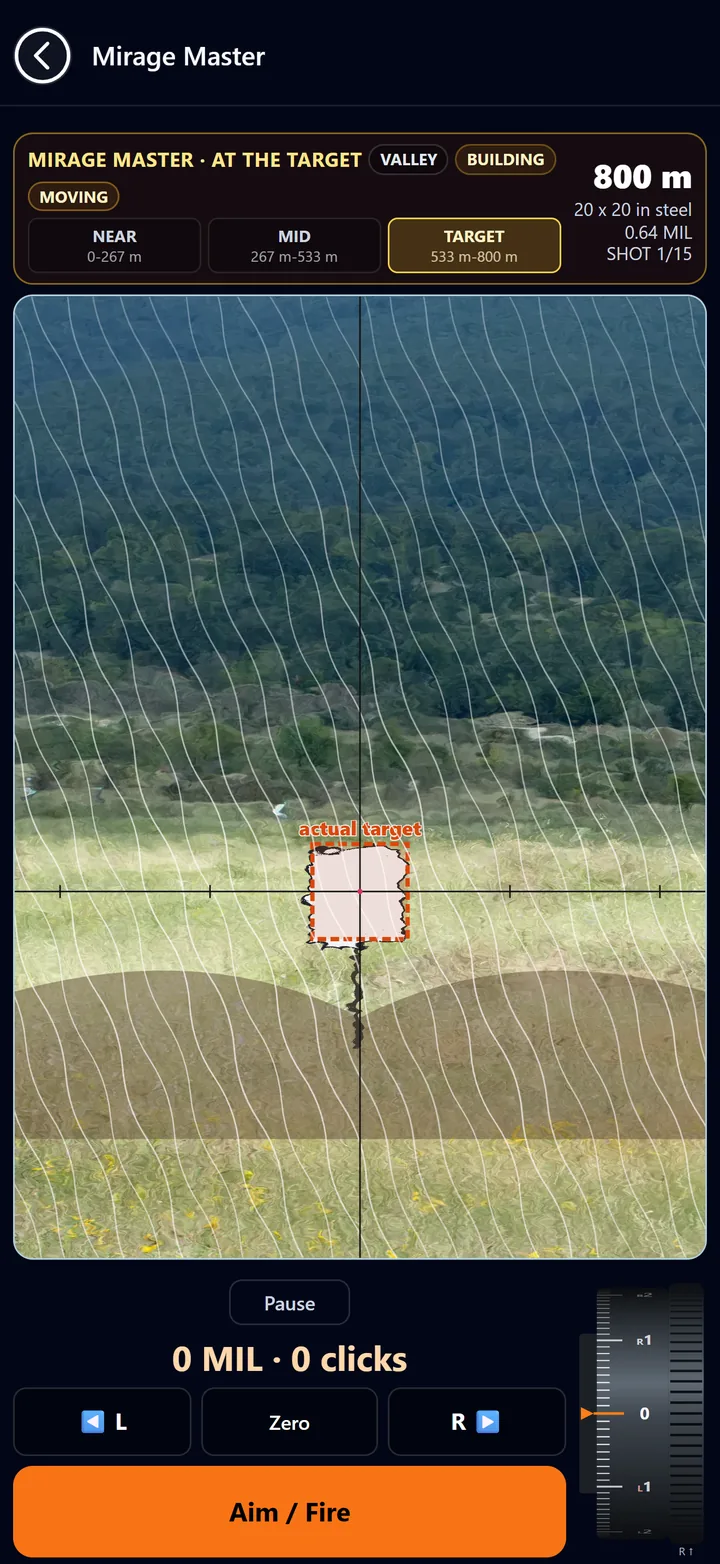
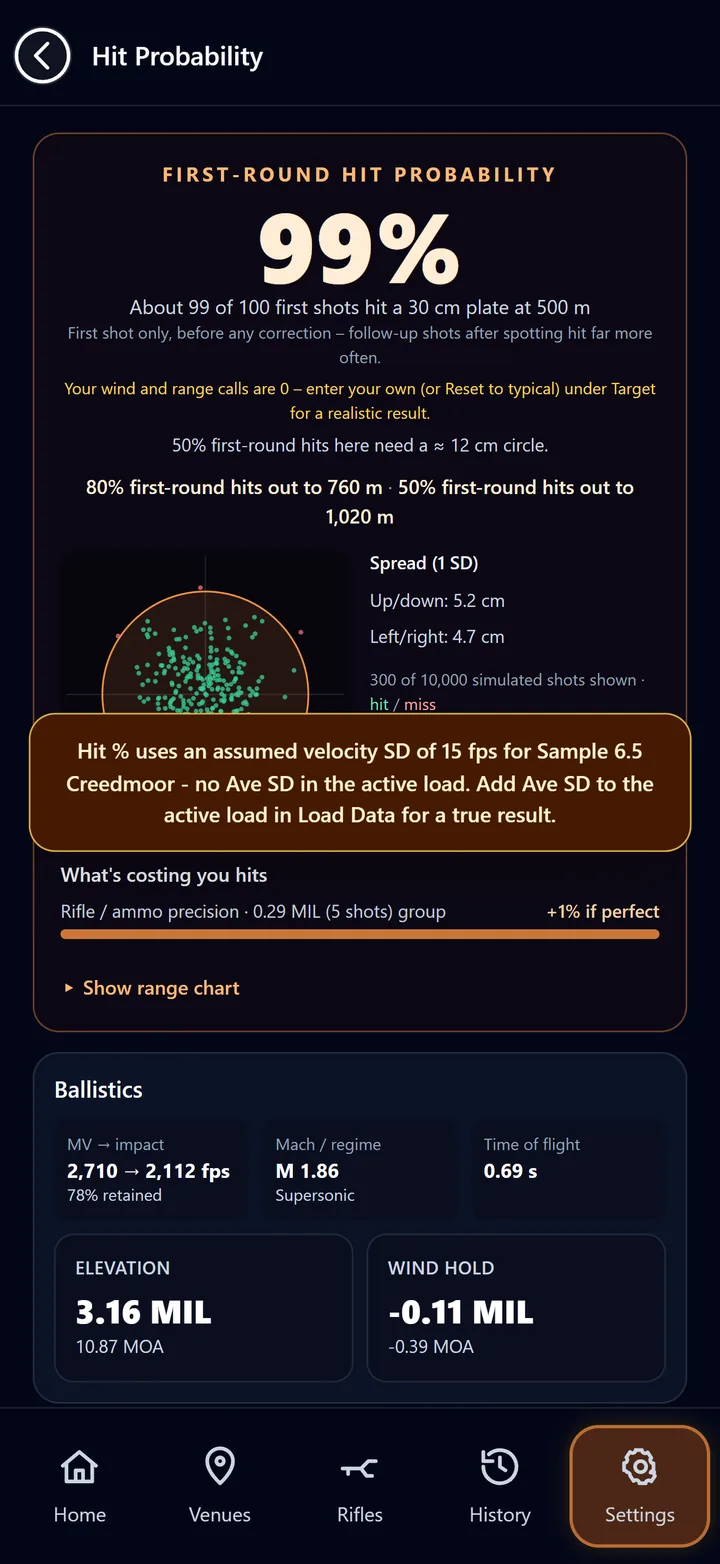
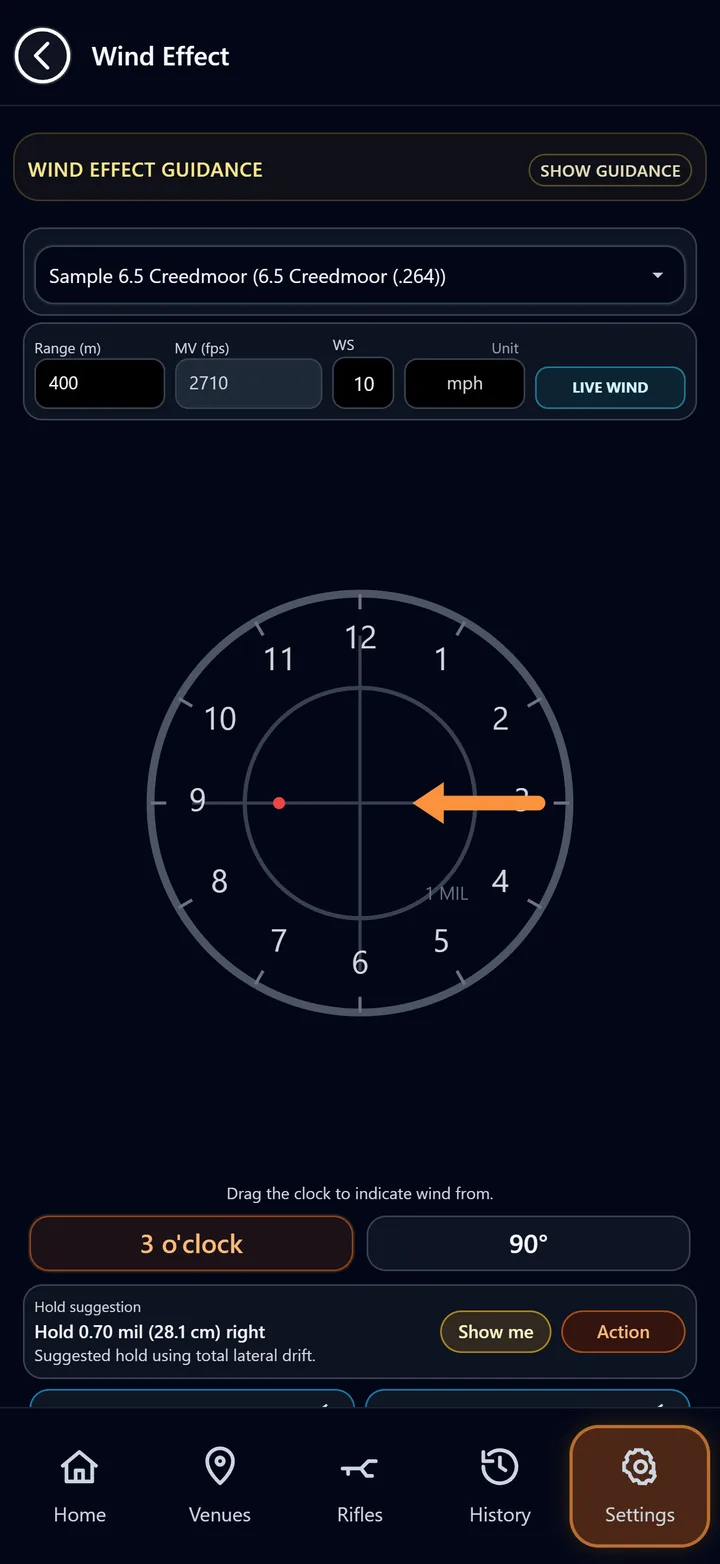
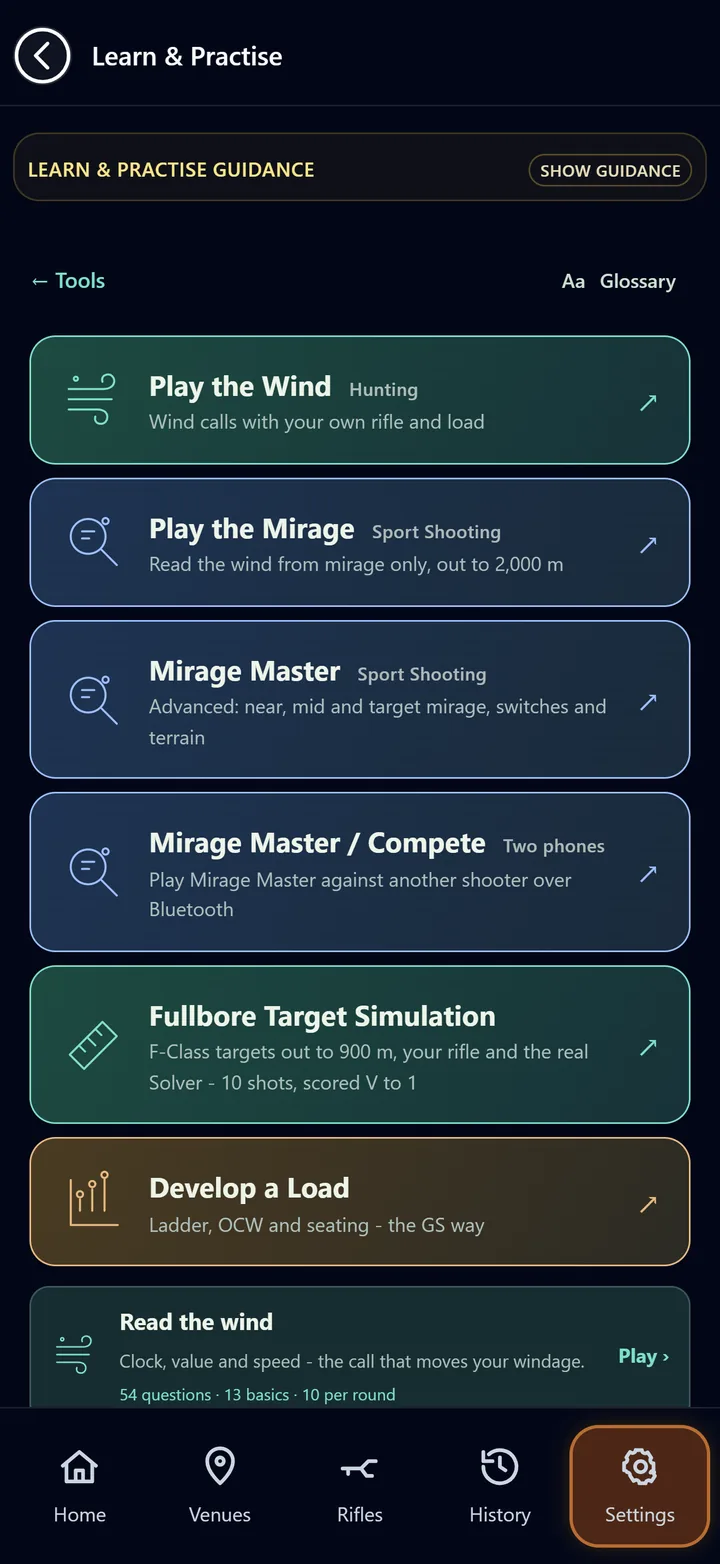
One code base drives both apps, so a feature, fix or new simulation arrives on both. Your data stays on your phone either way, and a Full Backup is the same file on Android and iPhone.
Released on Google Play.
On the App Store, from iOS 16. Testers get beta builds through TestFlight.
Purchases belong to the store they were made in: a module bought on Google Play unlocks Android phones, one bought on the App Store unlocks iPhones. Using GS on iPhone →
GS Ballistic Suite uses local-first storage. The privacy and permissions pages explain exactly how location, Bluetooth, camera, microphone, internet access and backups are used.
Read the Privacy Policy →Follow the structured guide for permissions, profile setup, weather, calculations and backup.